SPARK Application™
One Application. Eight Controls.
Control every stage of an FTTH roll-out — productivity, quality, cost, progress and documentation in one place.
The SPARK Application™ links every crew, site and invoice of the roll-out to one live view.
 SPARK Application™Live management
ProductivityCrew and daily output tracked against the plan.
QualityInspections and test results logged per site.
CostSpend followed against the approved budget.
ProgressEvery stage of the roll-out visible in one view.
DocumentationAs-built records and photos kept per site.
Acceptance ManagementCompleted work moved through acceptance.
CollectionAccepted work followed through to payment.
InventoryMaterials issued and consumed per project.
Used across every SPARK solution
01
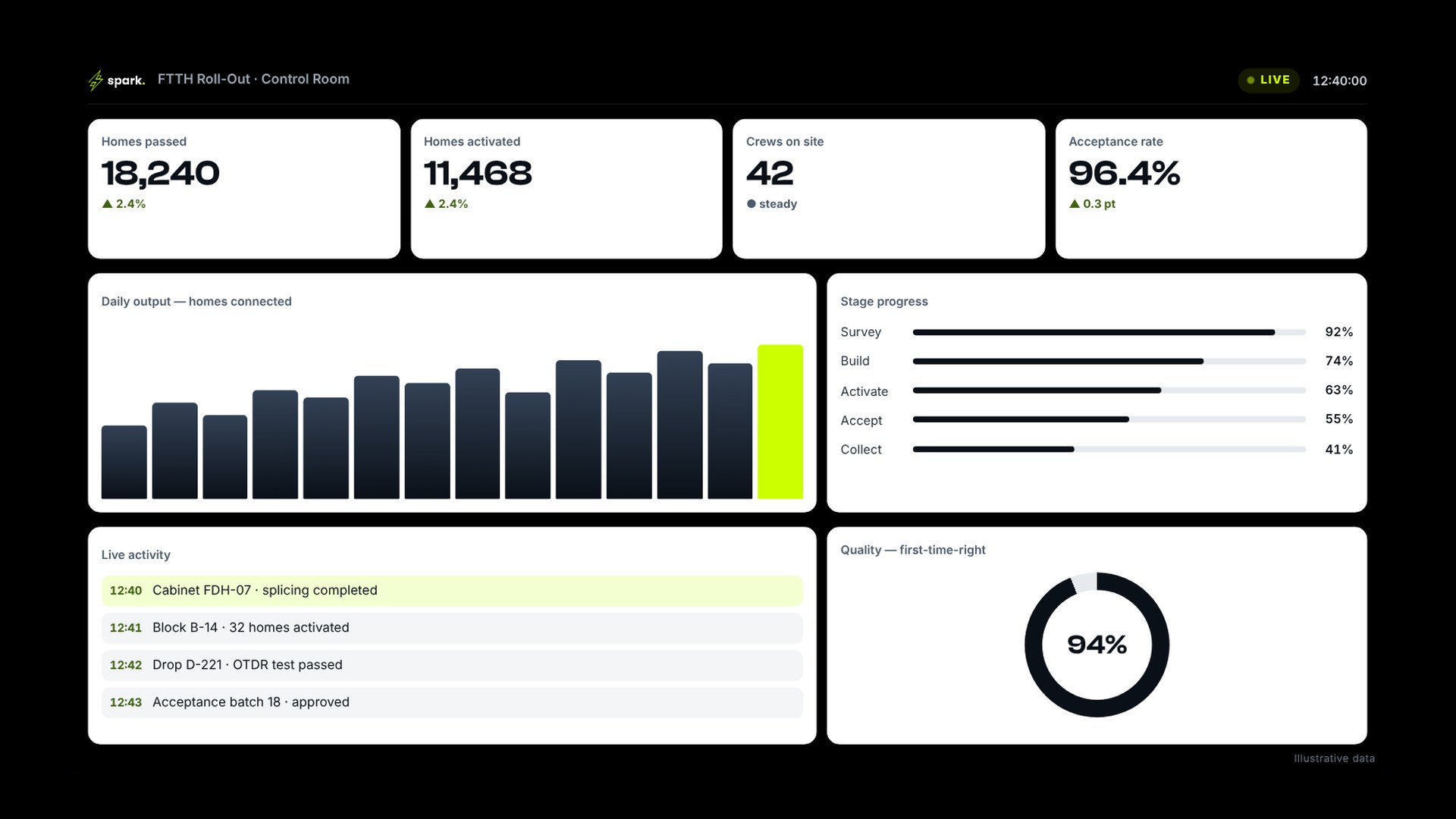
Live Management
The control room for the whole roll-out.
- Roll-out KPIs by area and contractor
- Daily output against plan
- Stage progress at a glance
02
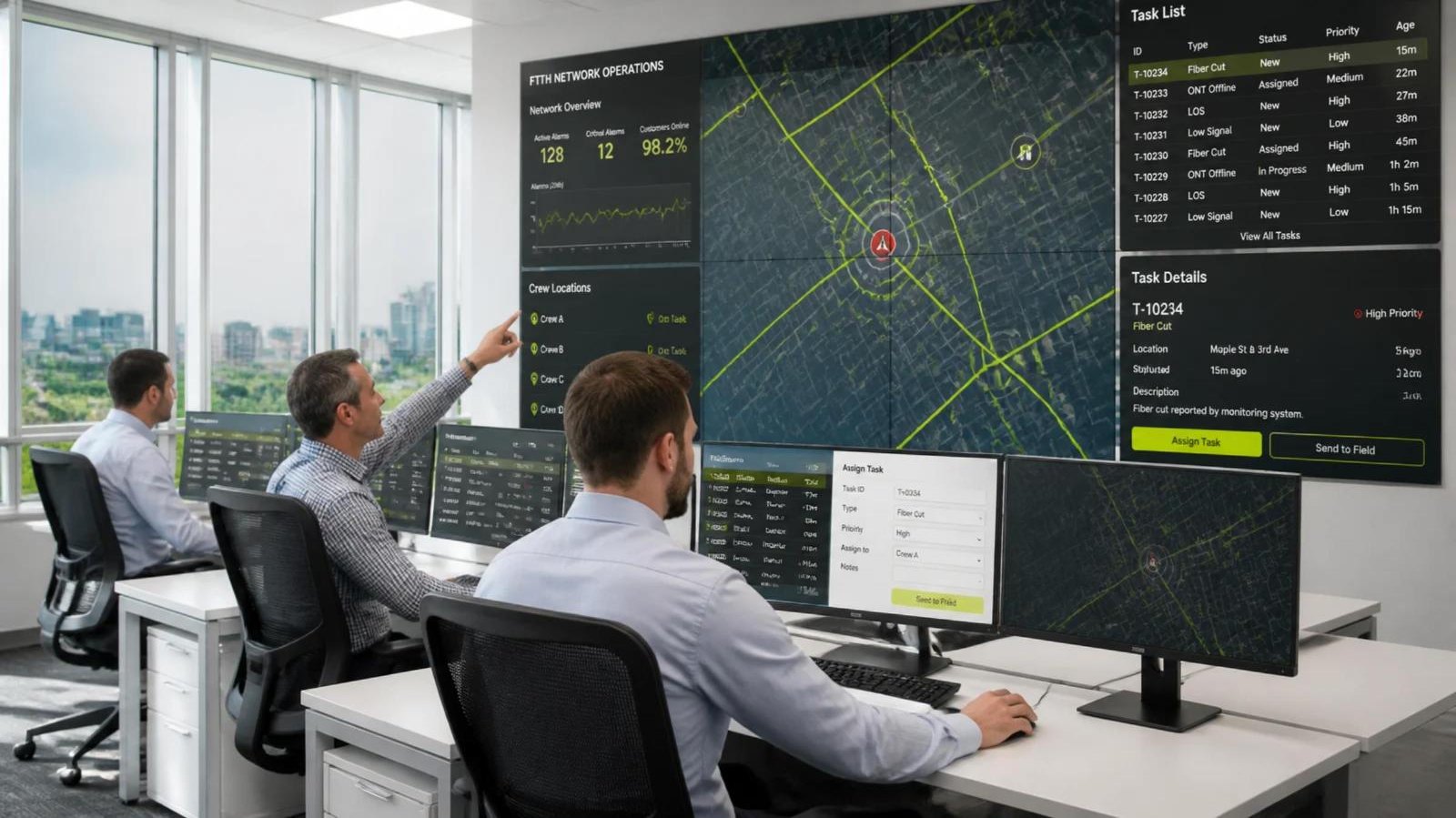
Live Field Dispatch
Alarm to closed fault — on one map.
- Alarm raised on the city map
- Nearest crew assigned
- Route and ETA tracked live
- Crew on site
- Alarm resolved and closed
03
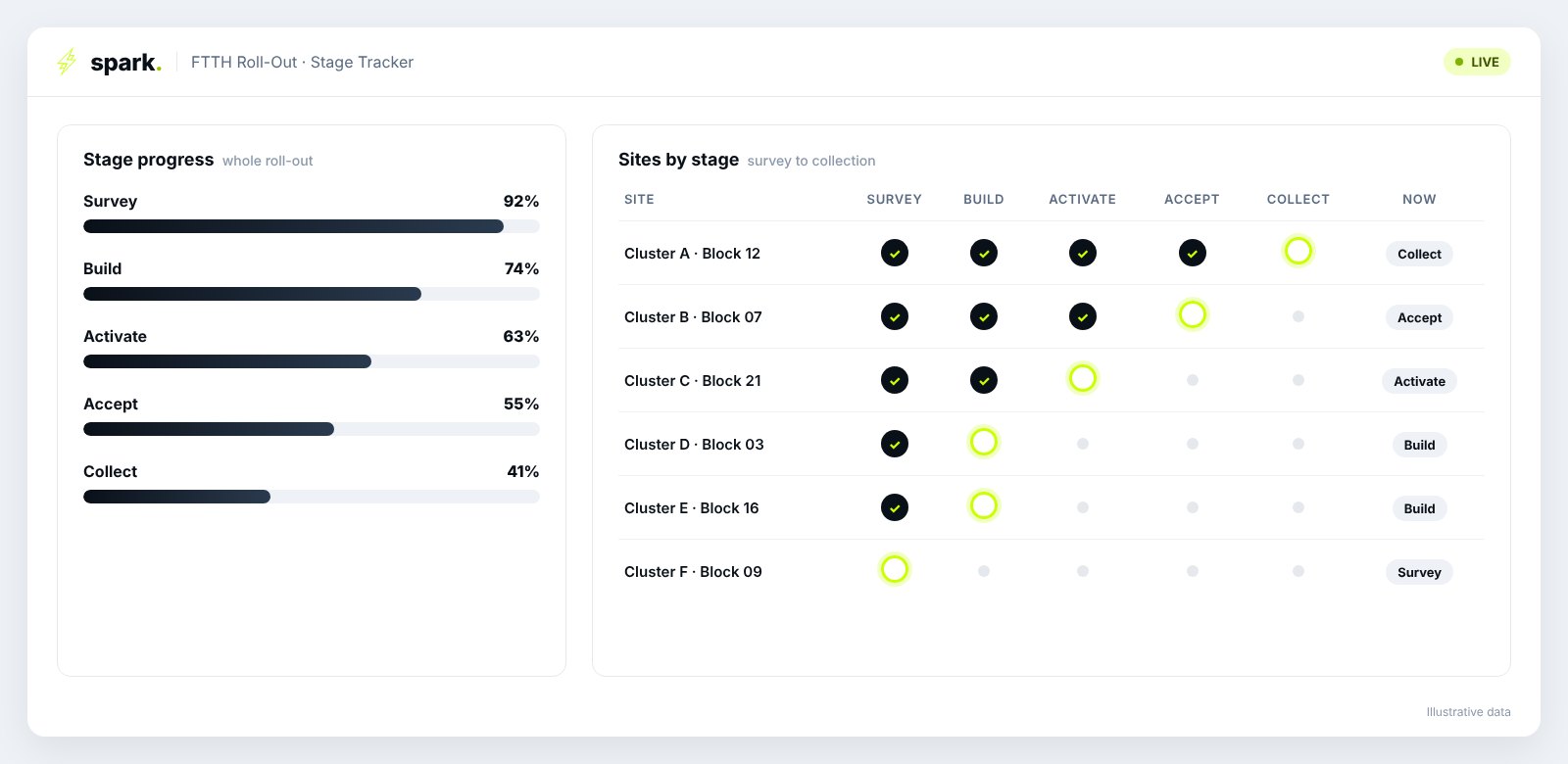
Stage Tracker
Survey to collection in one view.
- Every home, by stage
- Delays flagged early
- One status for every team
04
From Signal to Closed Action
Every alert becomes an owned, dated action.
- Alarm raised on the wall screen
- Owner and date set in one step
- Closed only when the fix is confirmed
01SeeWhat moved against plan — before any report is written.
02DecideFacts, options and trade-offs in one discussion.
03OwnOne name, one date, one value at risk — on record.
04CloseEvery item closed or escalated — nothing stays open quietly.
05
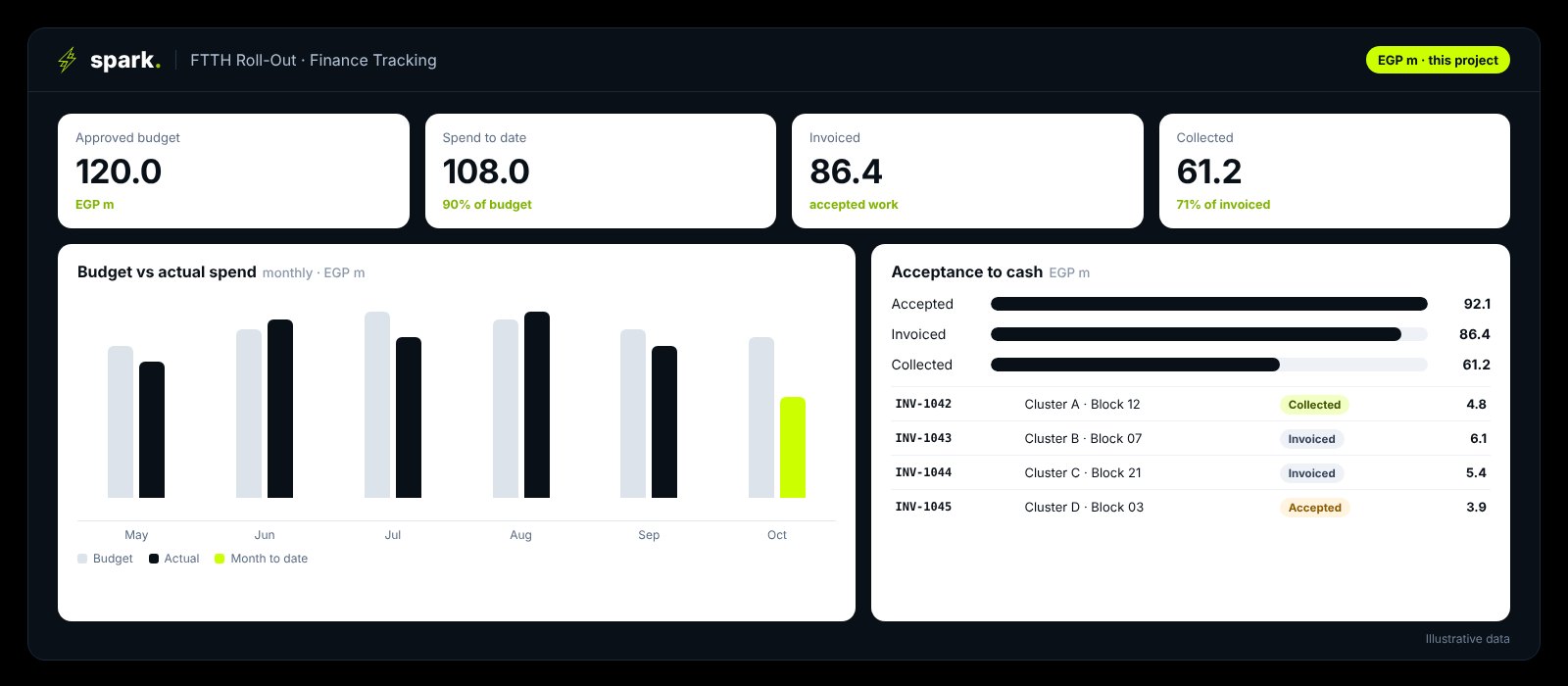
Finance Tracking
Budget, spend and cash — followed to payment.
- Budget against actual, by month
- Accepted → invoiced → collected
- Overdue invoices flagged
06
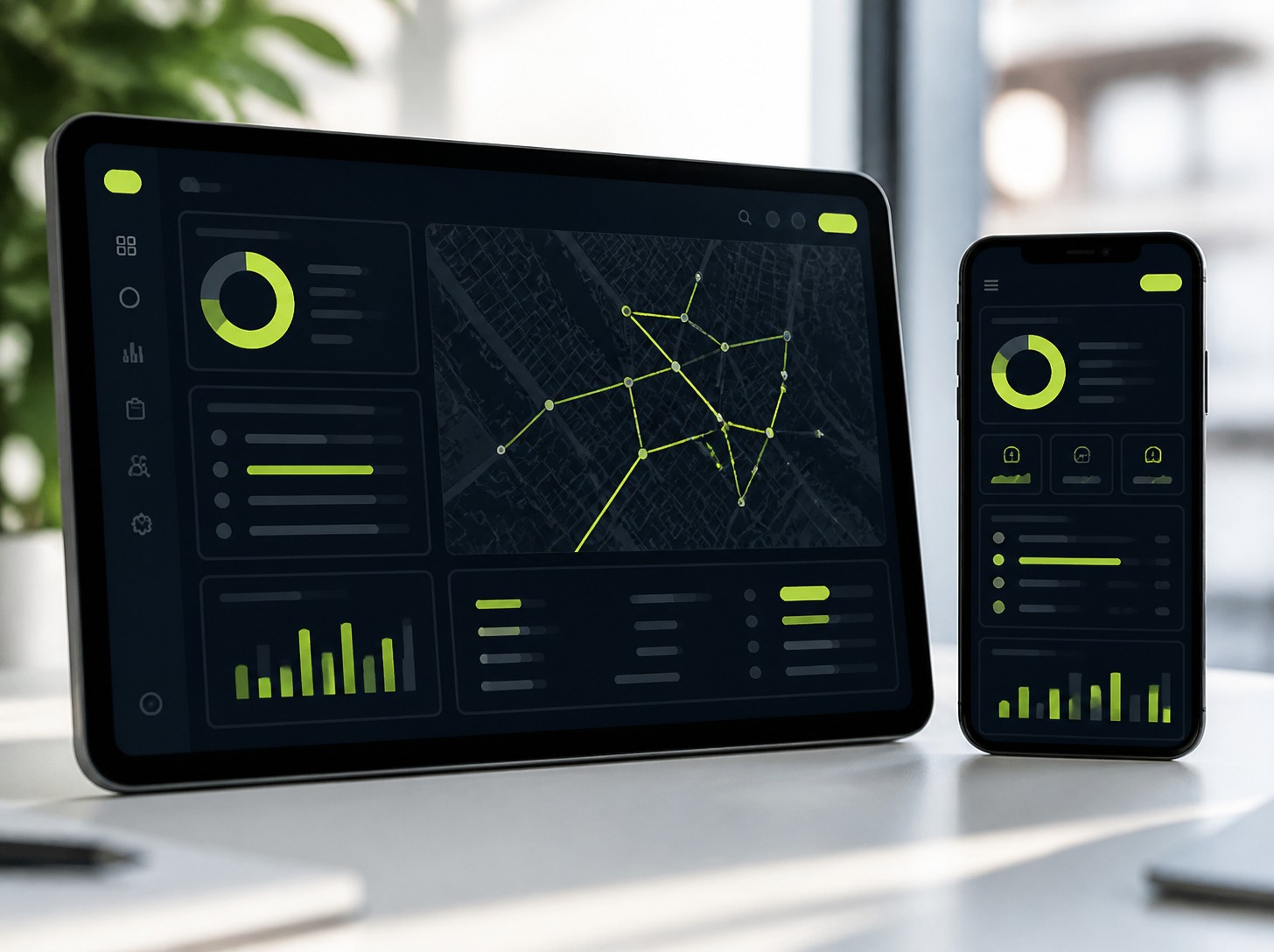
Tablet & Mobile
The same live view, office to field.
- Managers: the full live picture
- Crews: tasks and sign-off on site